One design.
Every ad size.
Design the master once. resaiz lays out every other size, in every language, with the same pixels on export.
From one master to the whole media plan
Nine sizes below come from one file. Change the headline once and every size follows.
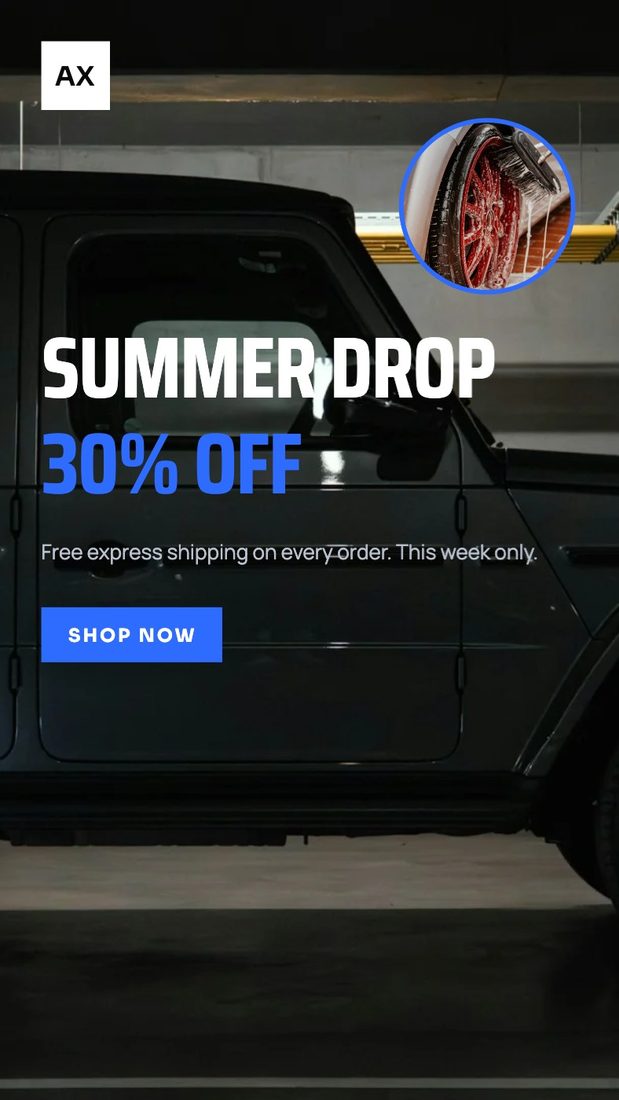



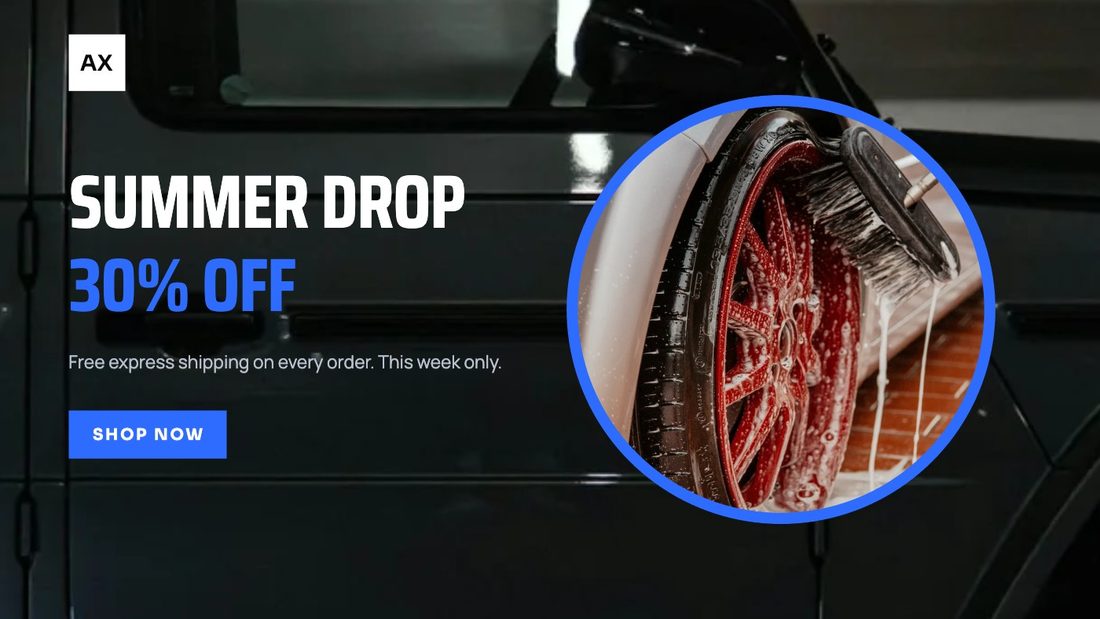
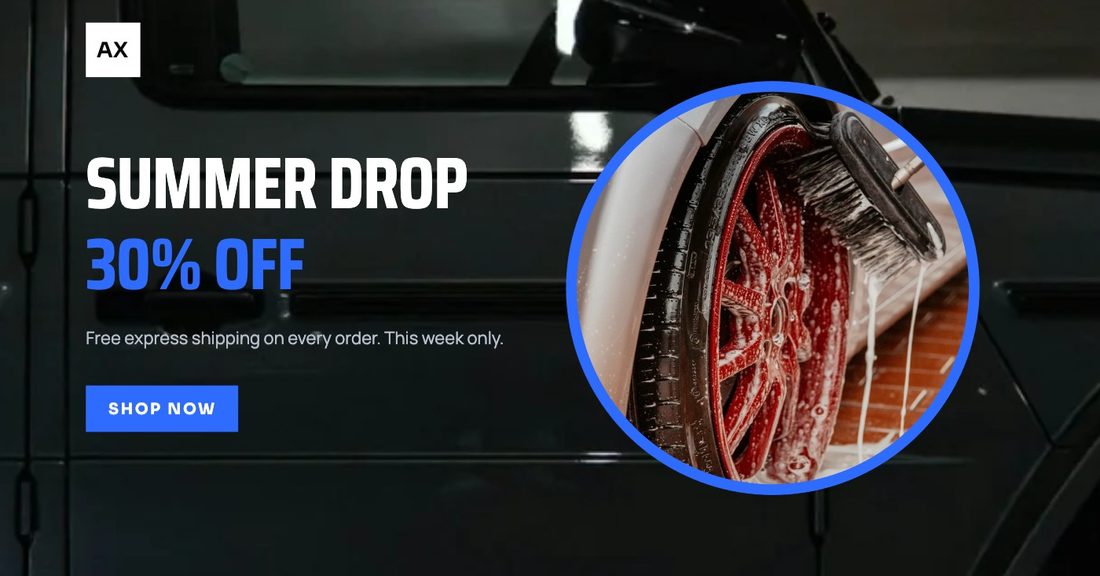



Fix by hand what you want to fix
Move one element on one size. Everything else keeps following the master, and QA flags overlaps, small type and safe zones before you export.
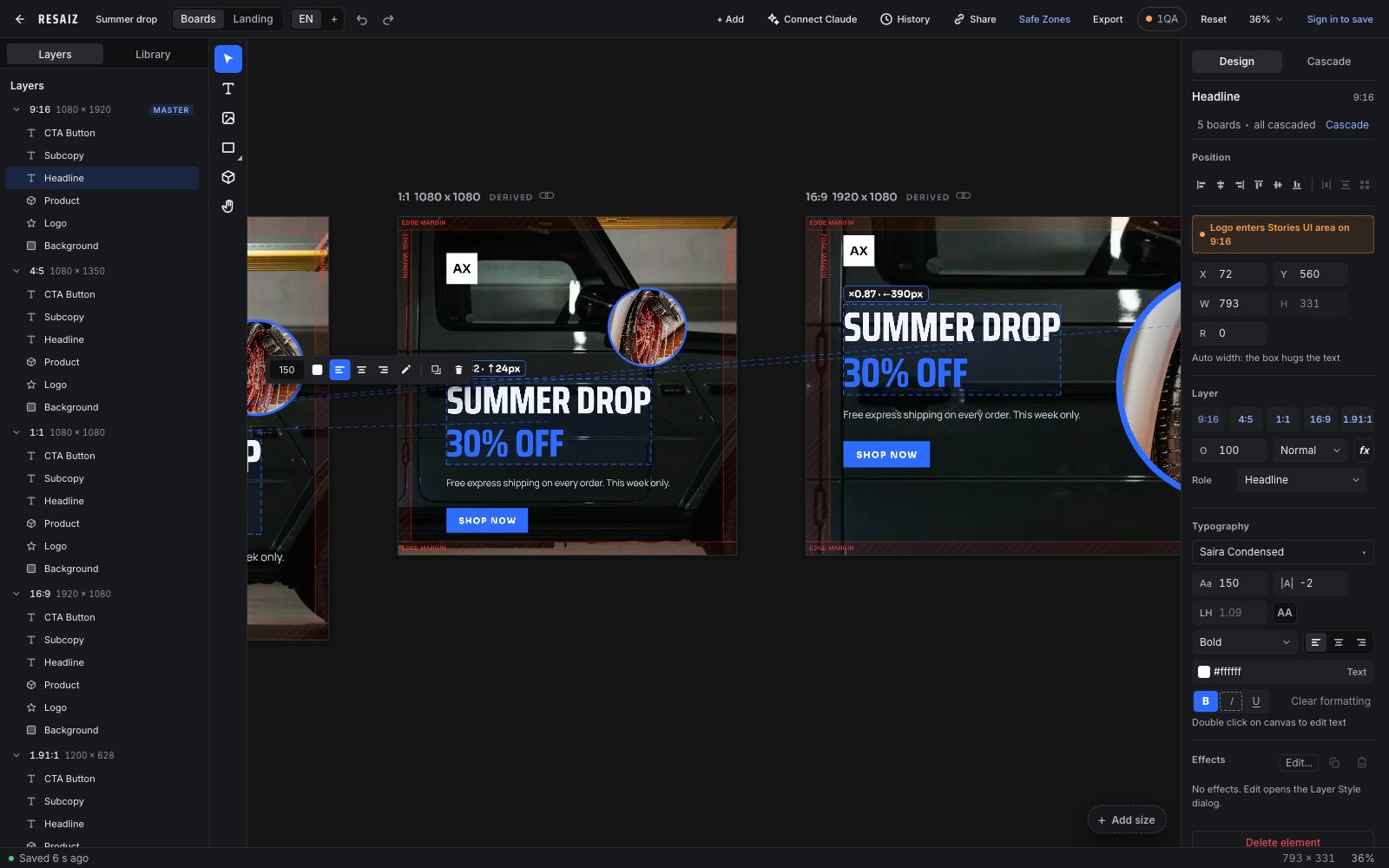
Let Claude Code build the set
Install the command line tool, sign in once and ask in plain words. Claude edits the same document you open in the editor.
curl -fsSL https://www.resaiz.com/install.sh | sh
resaiz login
resaiz skill install
Windows PowerShell, or anywhere with npm:
npm install -g https://www.resaiz.com/cli/resaiz-0.1.1.tgzThen, in Claude Code: make a 970x250 banner for our spring sale and render it
Built for teams that ship ads every week
- Rules, not guesses
- The layout engine is deterministic. The same file gives the same result every time.
- Every language
- Add a locale and the copy refits on every size. Translators get their own link.
- Export what you see
- The file you download is the canvas, pixel for pixel, named for each channel.
Start with one master
No account needed to try. Sign in when you want your files on every computer.
Open the editor